
Zillow Showcase
Premium placement on Zillow, from one of only two certified partners here.
From $375
- Certified partners in the area
- 1 of 2
- Tour and floor plan
- 3D
- Photo delivery
- 24 hr
What you get
I'm one of only two certified Zillow Showcase partners in the area. Showcase listings get an immersive photo experience and more visibility on Zillow.
- Full photo and drone coverage
- Zillow Showcase 3D tour
- Zillow interactive floor plan
- Formatted to Zillow's specifications
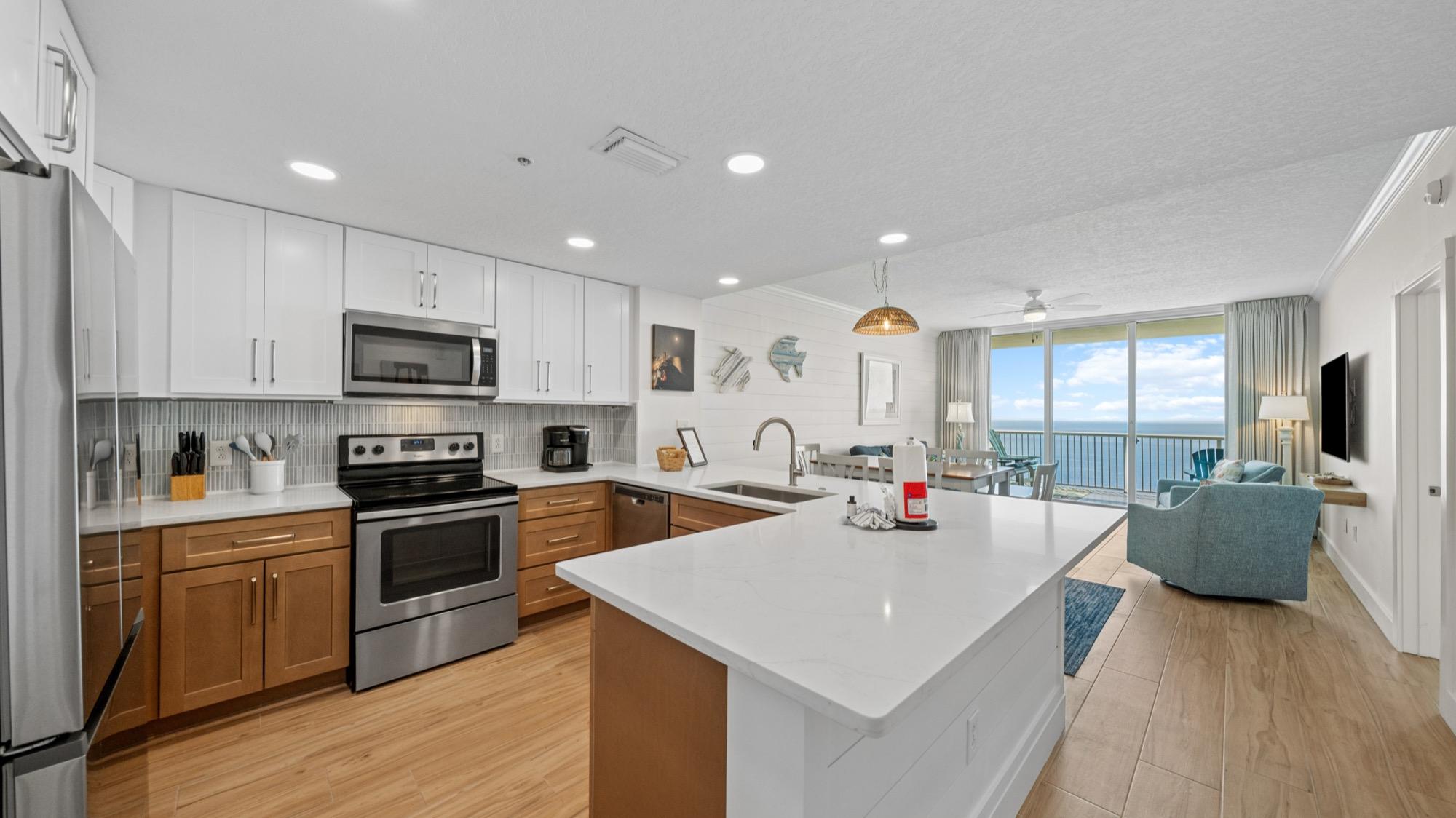
Try a 3D tour
Walk through a home I captured for Zillow, room by room.
How to book Showcase
Showcase is booked inside your Zillow account, not through my booking page. Here’s the whole process.
Step 1: Get a Zillow Showcase subscription
RequiredBefore anything else, you need an active Zillow Showcase subscription. This is set up entirely through Zillow, not through me.
Sign up for Zillow Showcase(opens Zillow in a new tab)Already subscribed? Skip to step 2.
Step 2: Book your shoot inside Zillow
RequiredThis is the part that trips people up: Showcase media has to be booked inside your Zillow account, not by contacting me first. Here's exactly how:
- 1Log in to your Zillow account and open your listing.
- 2Click “Get media” on the listing dashboard. It may also show up as an “Up next” prompt.
- 3When asked to choose a photographer, select “Invite your own photographer.”
- 4Search for 850Photography, or enter my details to send the invite.
- 5Choose your services, pick a date and time from the calendar, and submit.
- 6You’ll get a confirmation on screen and by email.
Step 3: I accept the invite and show up
Once Zillow sends me your invite, I confirm it and arrive at the scheduled time. I'm already approved to shoot Showcase media, so there's nothing else you need to do after sending the invite.
Step 4: Your media is uploaded to Zillow
After the shoot, I upload the finished media straight to your Zillow listing. You can preview it, rearrange photos and publish when you're ready, all from the “Orders” section of your Zillow dashboard. Photos are delivered the next day.
Pairs well with
Add any of these to the same shoot.
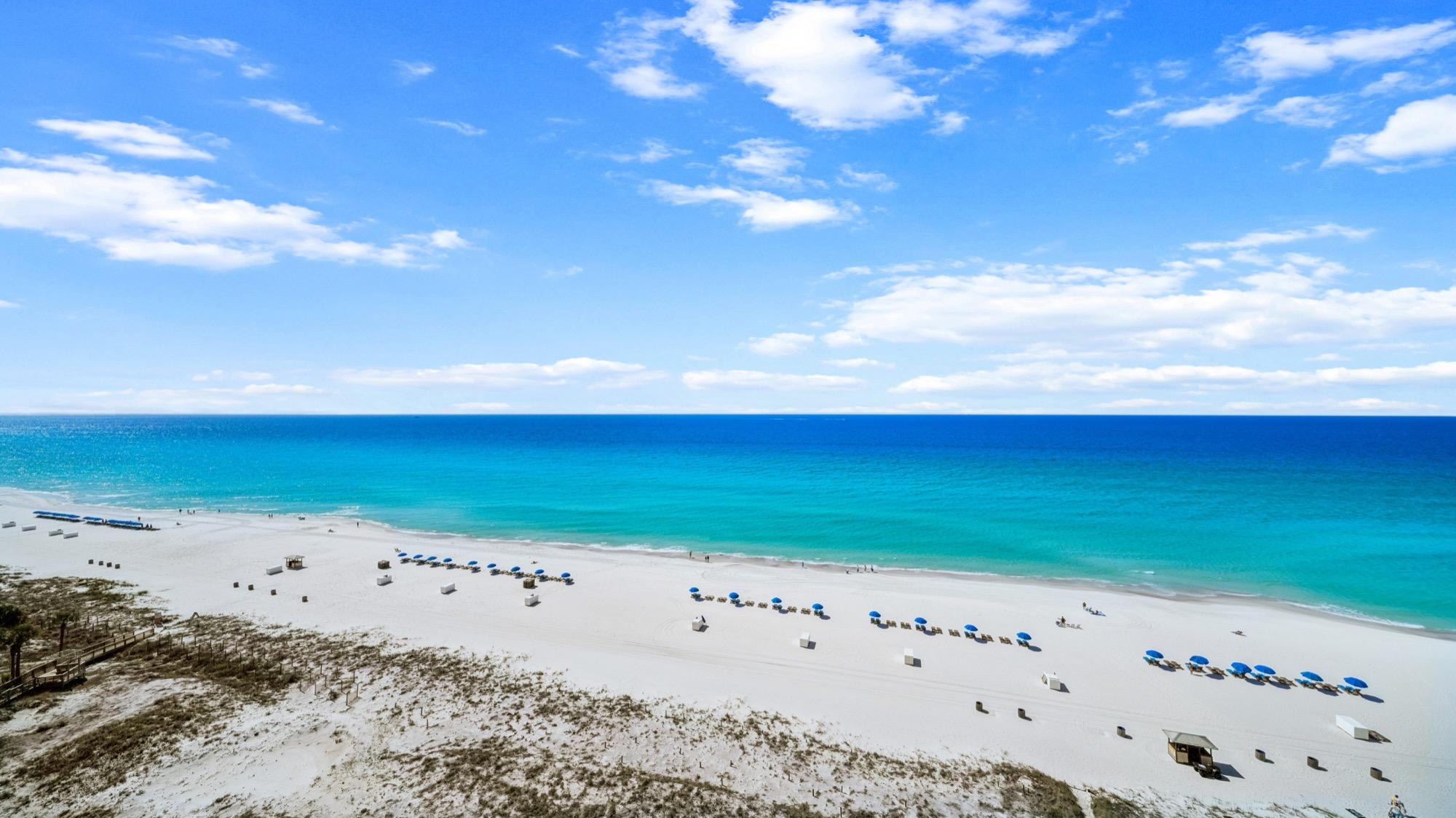 From $350Listing videoVideo for listings and vacation rentals, showing how the property feels, not just how it looks.View service
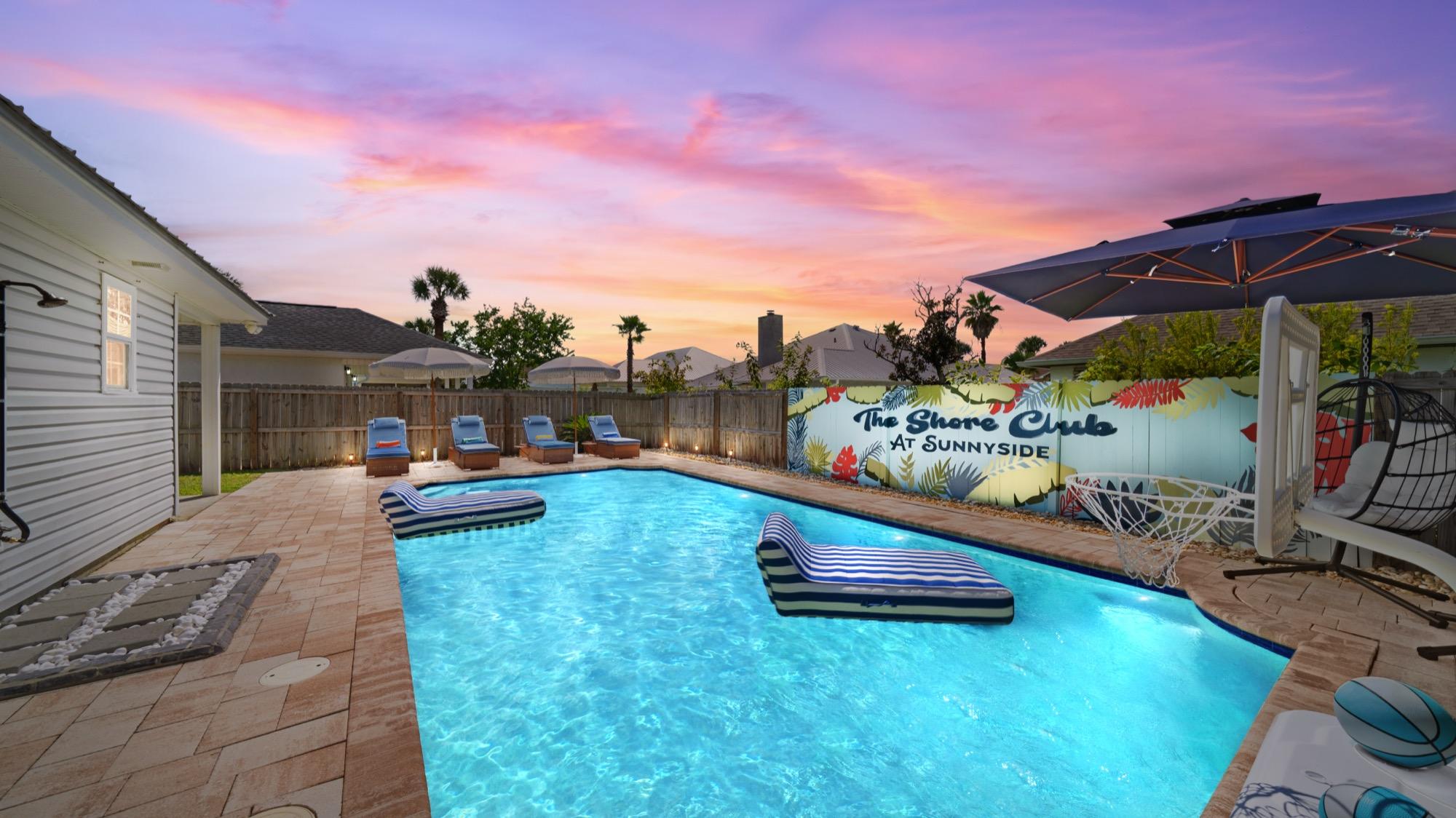 $15 per photoVirtual twilightThe drama of a sunset shoot, at any time of day.View service
 $25 per 5 photosDetail photosThe finishes and fixtures that wide shots miss.View service
Common questions
All questionsHow do I book a Zillow Showcase listing?
Showcase media is booked inside your Zillow account, not through my booking page. First get a Zillow Showcase subscription. Then open your listing in Zillow, click “Get media,” choose “Invite your own photographer” and select 850Photography. I'll accept the invite, shoot at your chosen time and upload everything straight to your Zillow listing.
How fast will I get my photos back?
Photos and floor plans are delivered the next day. Videos, including drone video, take 2–5 days. You'll get an email with a download link as soon as your media is ready.